 Python IDE
Meet your first print().
Write Python, tap Run, and see the result right beside your code. The interpreter runs on your device.
LOCAL PYTHON 3.13Your own pocket-sized Python studio. Start with a line of code, learn by doing, and turn a small idea into something you can play with.
Local Python. Your files. Room to experiment.
A small start goes a long way
A focused space to try, understand, and keep going. Your editor, learning path and little experiments, together.
Write Python, tap Run, and see the result right beside your code. The interpreter runs on your device.
LOCAL PYTHON 3.13Short lessons lead into editable exercises. Come back to your own work, and use challenge feedback to see what needs another try.
12 LESSONS · 6 CHALLENGESPlay a Python game, open its source, and make it your own. A new score, a different rule, a fresh idea — then run it again.
15 PYTHON GAMES + SNAKEPause on a line, inspect a variable, and move forward one step at a time. Understand the result instead of guessing at it.
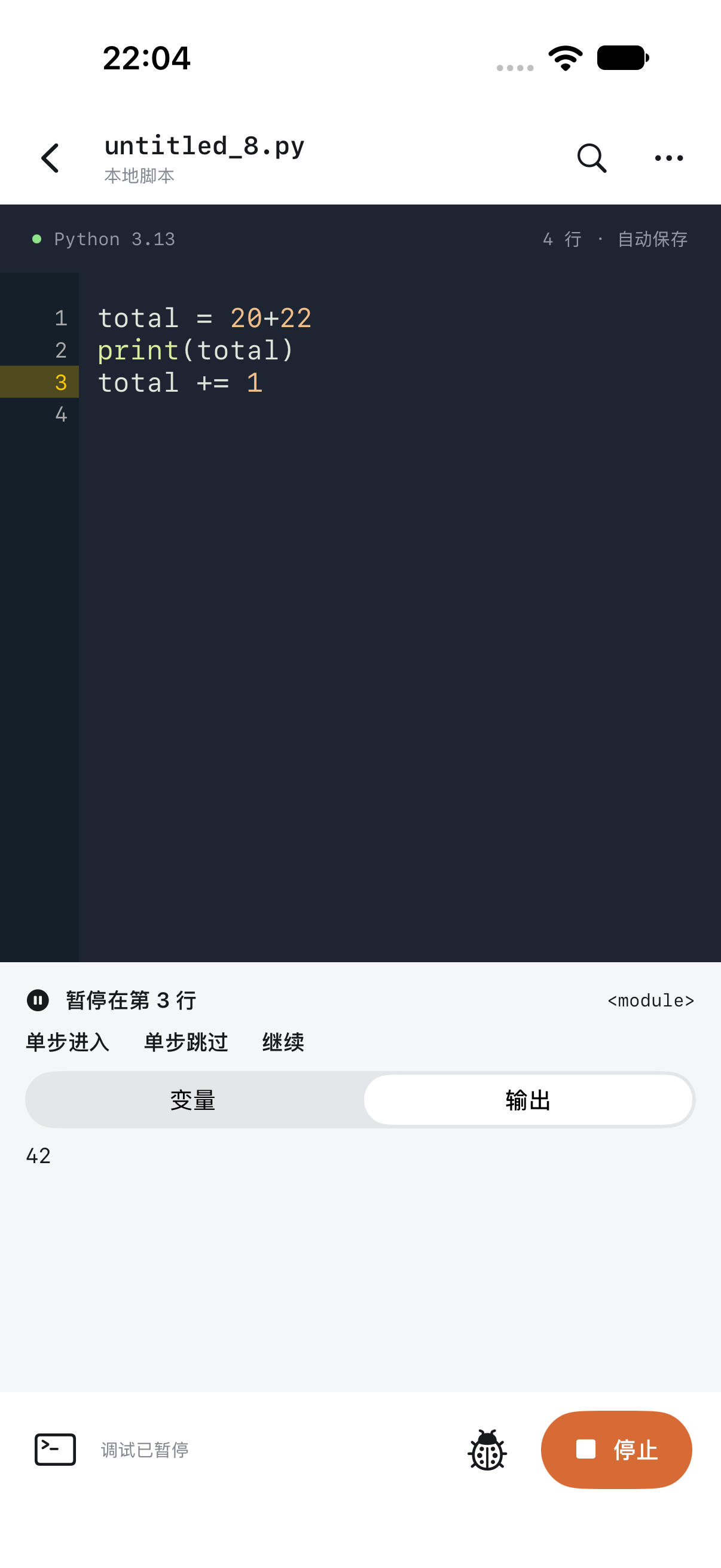
total = 42Keep scripts alongside TXT, CSV and JSON data. Edit UTF-8 text, find files by name, and import or export using the system Files picker.
Search PyPI by package name. Pro installs compatible pure-Python wheels and dependencies, with real download progress and a cancel option.
Learning can look like play
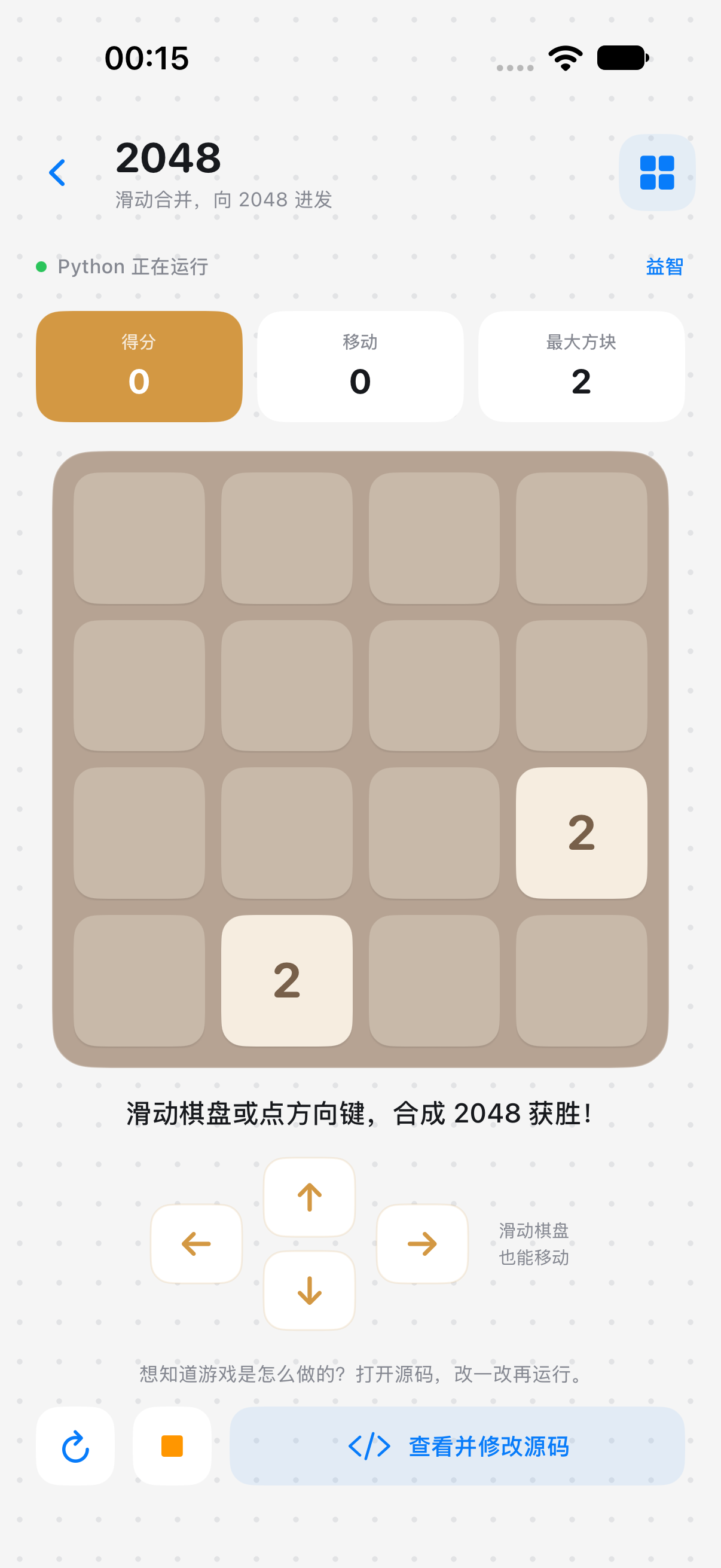
A number puzzle becomes a lesson in lists. A matching game becomes a lesson in state. Open an editable copy of the Python source and follow your curiosity.
2048
Make your next move.Memory match
A match worth making.Illustrative board previews. 15 games run from editable Python; Snake is a native game. The app uses its own graphical game renderer, not Pygame.
Start free. Go further when you’re ready.
The essentials stay free. Pro brings the full learning and game library, plus tools for your next step.
Everything you need for your first working script.
More to learn, play with and build.
See current local prices and availability in the app.
All three plans unlock the same Pro features. Monthly and yearly plans renew automatically until cancelled; lifetime is a one-time purchase. Apple handles purchases. When Pro ends, your saved files, installed packages and existing code versions remain usable. New Pro operations require a current entitlement. Read the terms →
Good to know
Your scripts, the included Python runtime, lessons and bundled games run locally. Package lookup or downloads, the More from Us catalog, iCloud sync, Apple purchases, and code that requests online services need a connection.
Yes. Create, edit, autosave, import, export and run your files without Pro, with no file-count or run-count limit. The first lesson, first challenge, first quiz, 2048, and the Hello World and Random Garden examples are free. The default project is free; creating additional projects, interactive console execution and live syntax checks require Pro. Saved code stays editable and runnable after a subscription ends.
Pro can create automatic and manual snapshots, keeping up to the 30 most recent versions per file on this device. You can preview and restore an existing version even after Pro expires. Autosaving the current file is always free. Local history is not cloud sync or a substitute for exporting important work.
Your existing projects, files, installed packages, console history and saved code versions remain available. Creating another project, starting interactive console execution or using live syntax checks requires Pro. A program or debugging run already started in the editor can finish; starting a new Pro operation requires a current entitlement. Saved source from paid lessons and challenges still runs normally, but their instructions, hints and challenge checking require active Pro. Free learning content stays free.
Package installation supports compatible pure-Python wheels and their dependencies. Packages that need native extensions or compilation are not supported. A separate offline scientific workspace bundles real NumPy, pandas, Matplotlib, SciPy, scikit-learn and pygame-ce through WebAssembly. Its files and packages are separate from the main CPython editor.
Pro can sync enabled projects through your own iCloud account when iCloud is configured and available. Code and project data files are included; installed packages, local version history and learning progress are not. Conflicts keep copies. Local work remains available offline.
Python IDE is built for iPhone and iPad running iOS or iPadOS 17 or later. The website and app interface support English and Chinese. The app can follow the system appearance or use a light or dark theme. App Store availability depends on the release and your region.
Open the Pro page in the app and choose Restore Purchases using the same Apple Account. Manage auto-renewing subscriptions in your Apple Account’s Subscriptions settings. Apple’s cancellation guide ↗
Write locally. Keep your work. Keep being curious.